
Getting Started with your Snapforms Dashboard
The Dashboard screen surfaces key metrics and real-time data from across your Snapforms account in one centralised view. Personalised to your specific role, it allows you to instantly assess recent activities and prioritise your next steps the moment you log in.
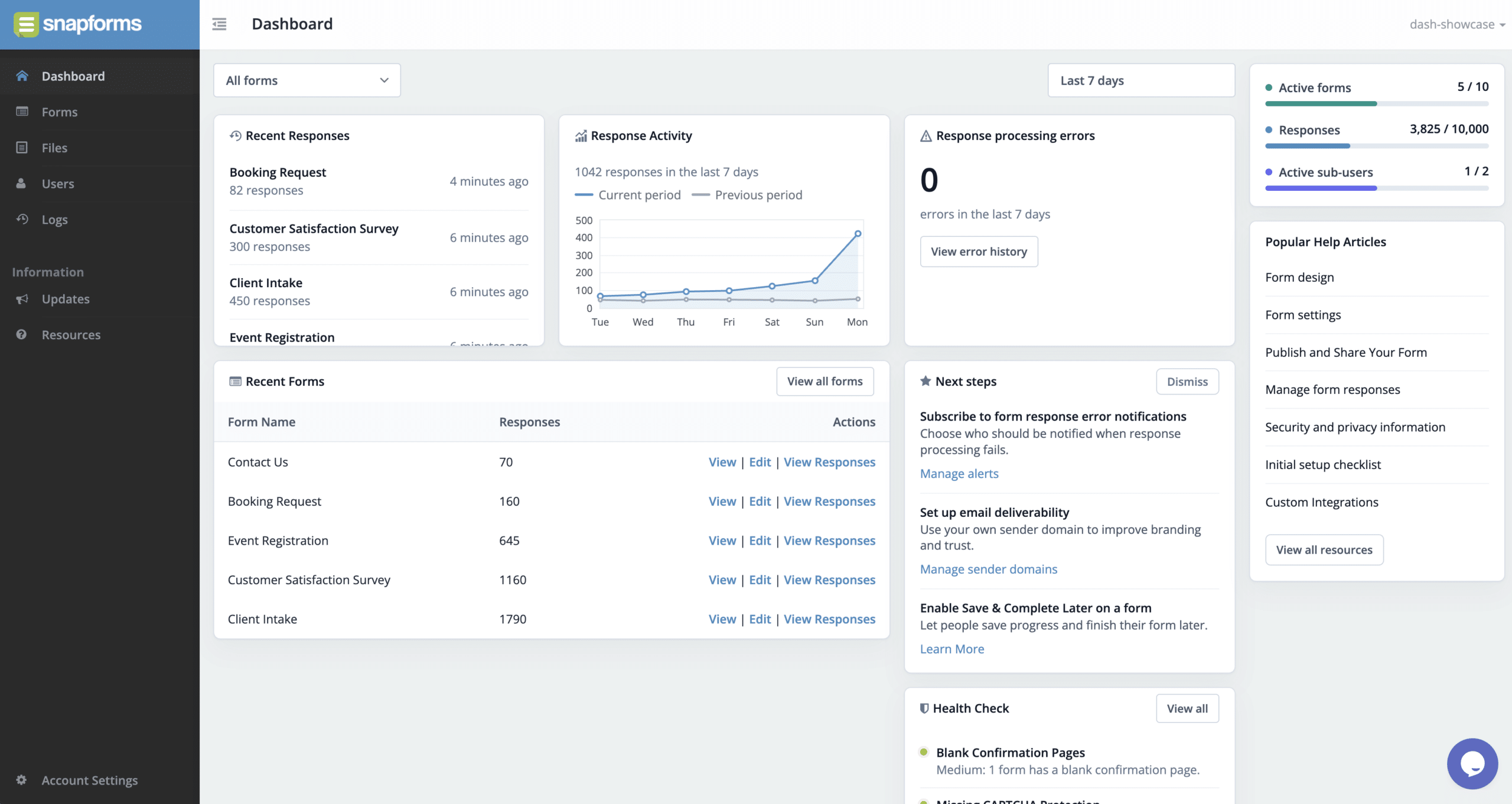
Dashboard overview
Onboarding checklist
For new users, your dashboard features a dedicated onboarding checklist designed to guide you through the core capabilities of Snapforms. This dynamic checklist outlines your immediate next steps, taking you from initial form creation to successfully collecting your first responses.
Recent responses and activity chart
Driven by live data, the Recent Responses and Response Activity Chart widgets reflect incoming submissions the moment they occur. Using the filters at the top, you can drill down to individual form metrics for Today, Yesterday, Last 7 Days, or Last 30 Days.
Response processing errors
While form submissions are always captured safely, post-submission actions like notifications and integration syncs can fail due to incorrect configuration settings. The Response Processing Errors widget alerts you to these failures so you can quickly troubleshoot and retrigger the action.
Recent forms
For quick access, the Recent Forms card displays the last 10 forms that you’ve created or updated. To see the full forms list, select View All Forms. From there, you can view detailed information and perform additional actions, depending on your assigned user role and form permissions.
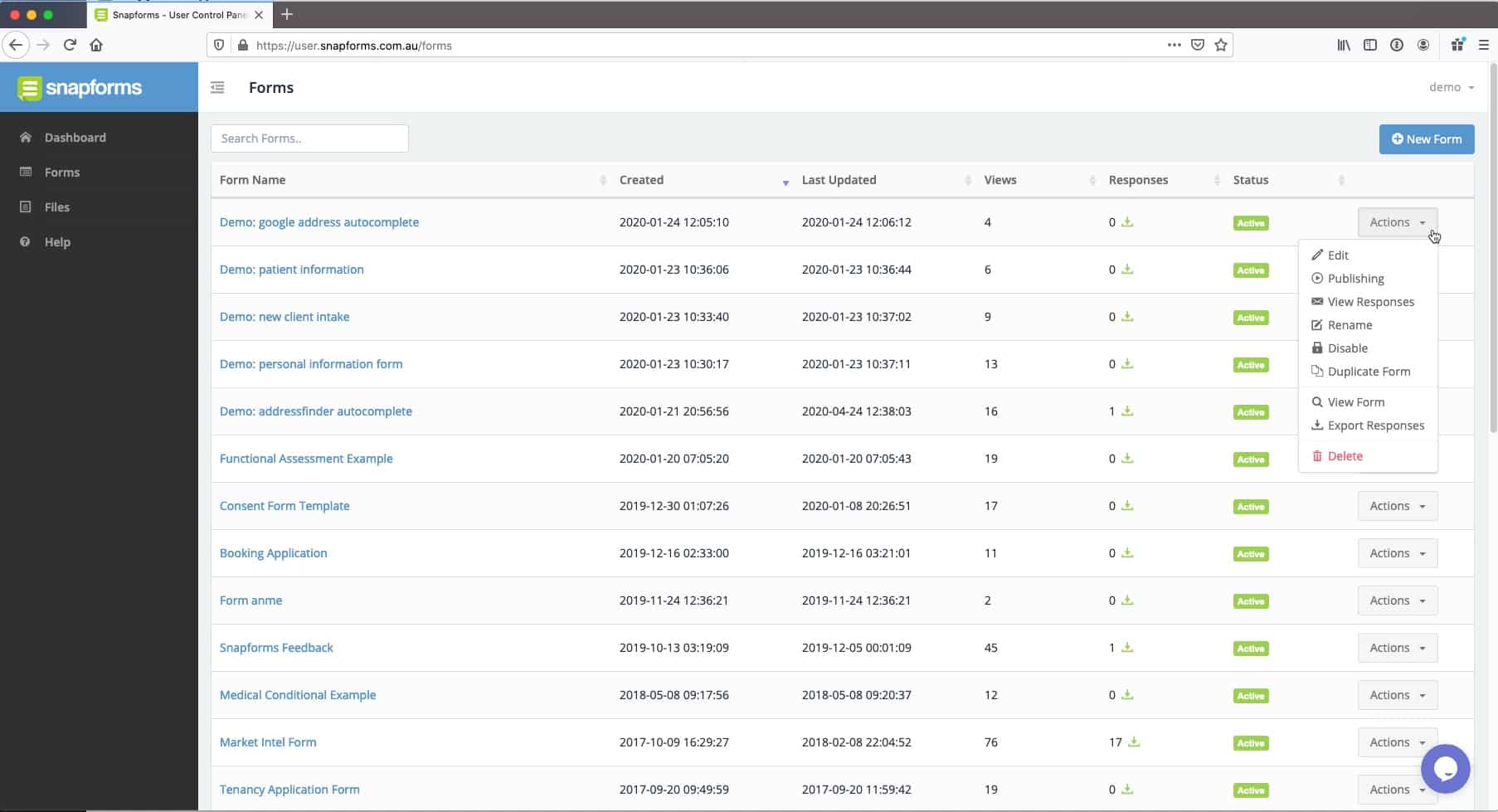
Health check
For Organisation Admins, the dashboard provides direct access to the Health Check summary. This administrative feature surfaces critical compliance, security, and best-practice findings across your organisation and form configurations.
Account usage
For Organisation Admins, the dashboard surfaces important account metrics to track current usage against plan limits.
To keep your account optimised and compliant, you can manage these metrics by using the following best practices:
- Active Forms – If you reach your plan’s form limit, you can easily disable inactive or legacy forms to immediately free up capacity for new forms.
- Stored Responses – To comply with relevant privacy laws and data retention policies, we recommend securely exporting and deleting older responses after a specified period rather than storing them indefinitely.
- Active Sub-Users – To maintain secure account access, sub-users who no longer require access to Snapforms should be deleted from your account.
Ready to expand your workflows? Upgrade your Snapforms subscription plan at any time to increase your form limits and add more sub-users to your team.