
Address
The Address field is one of the most commonly used form fields for collecting personal or contact information. It allows users to enter their street address, city, state, and postcode in a structured format, making it easy to capture location details for deliveries, registrations, memberships, and other purposes.
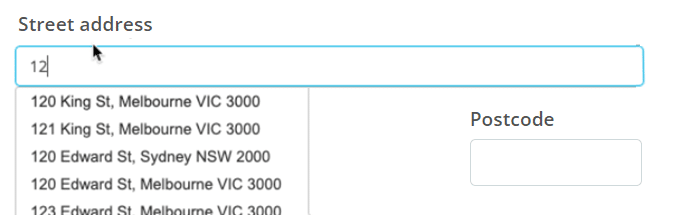
Available on the Business plan and above, you can enable Address Lookups, powered by either Australian Government or Google Places data providers, to:
- Improve the accuracy of address data
- Reduce address entry errors
- Simplify the experience for mobile users
- Shorten the time it takes to complete a form
Basic setup
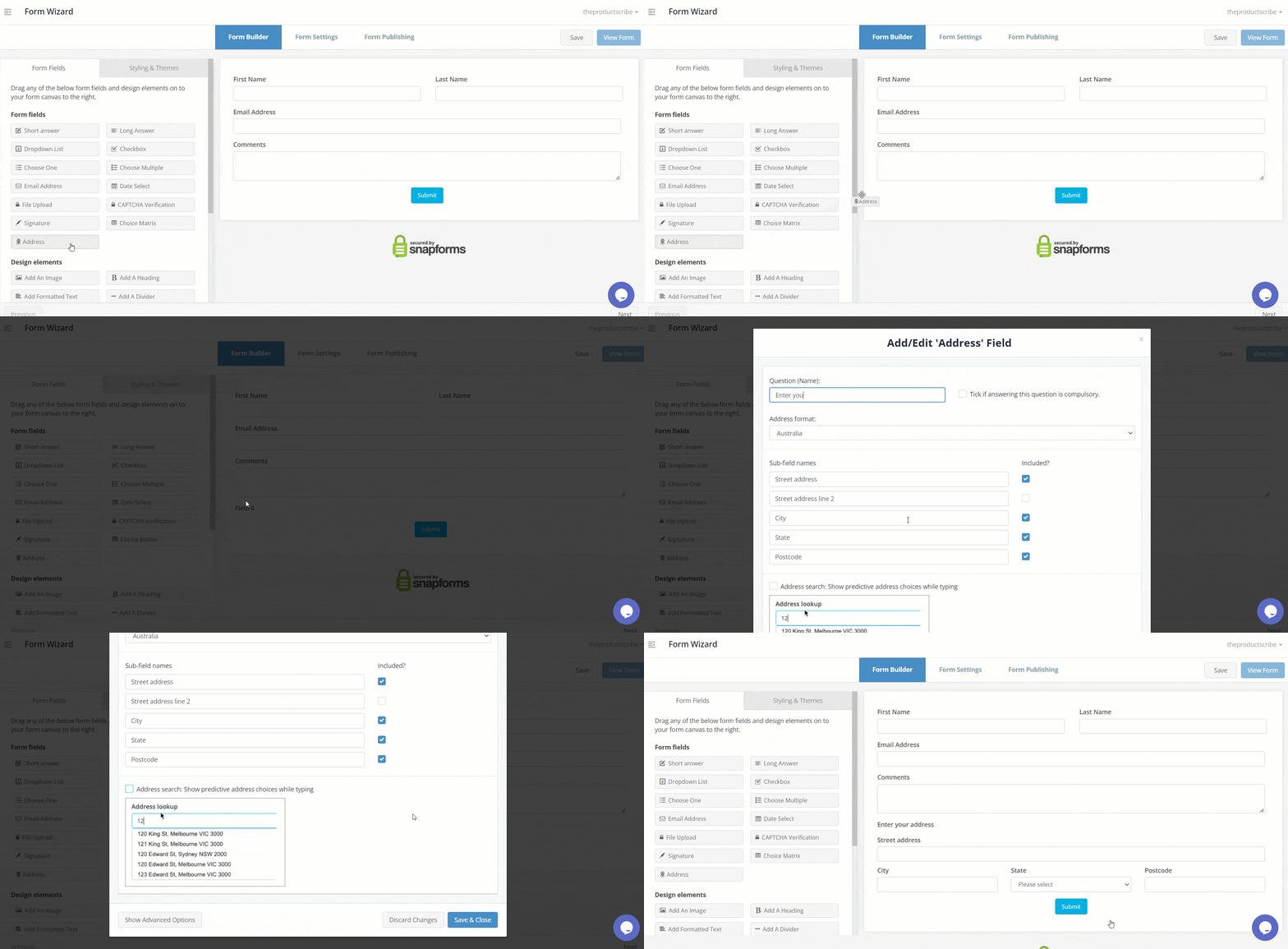
- Enter the field question or name.
- (Optional) Tick if answering this question is compulsory.
- Select an address format: Australia, New Zealand, or International (displays an extra field for country).
- (Optional) Edit the sub-field names to suit your requirements. For example, you may want form users to enter their street address, city, and postcode into separate sub-fields. Alternatively, you may want the full address entered into one sub-field.
- (Optional) Untick the Included? checkbox to remove unnecessary sub-fields from your form.
Address lookups
To enable address lookups:
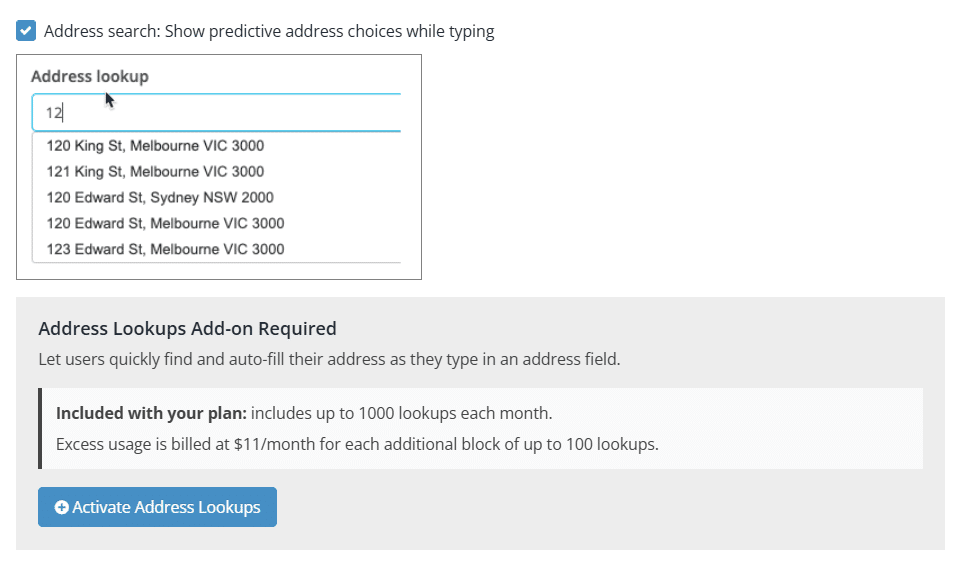
- Tick Address search: Show predictive address choices while typing.
- If the Address Lookups add-on has not been activated, click the Activate Address Lookups button. (Organisation Admin users only).

- Select a provider: Australian Government (recommended) or Google Places.
- Save & Close.
Show advanced options
Advanced options provide additional controls and functionality as explained in the table below.
| Option | Description |
| Question (Label) | Allows you to show a different field label (instead of the field name) on the form.
When a Question (Label) is specified, it will override the Question (Name) on your form. For example, you may want to:
|
| Hide the question (only show the answer box) | Only show the input field (without the question/name). |
| Further instructions | Display some informative text just below the field. |
| Only accept validated addresses (user can’t modify addresses) | Force form users to select addresses from the address search auto-suggestion list only.
This option is only available when Address Search is enabled. |
| Limit address search results to only one state | Only display address search results for a particular state.
This option is only available when Address Search is enabled. |
| Show/hide this field with conditional logic | Show/hide this field under certain conditions based on responses to other fields. To learn more, see Show or hide fields using conditional logic. |