
How can I hide the “submit” button on a form?
Enter the following code into the CSS box on the form editor on the left hand side:
button { display:none !important; }
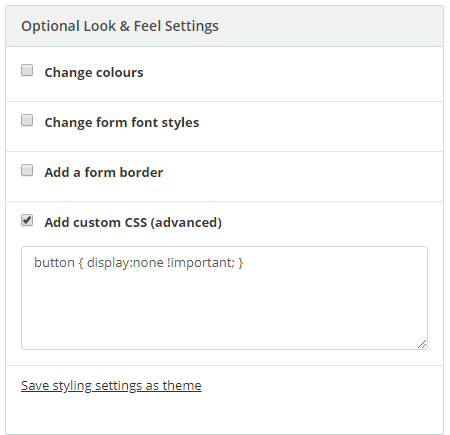
This will hide the submit button from appearing on your form. This will naturally prevent anyone from submitting your form but can be useful to do when your competition has closed.
You could list who the winner was and a thank you message.