
Export forms list report
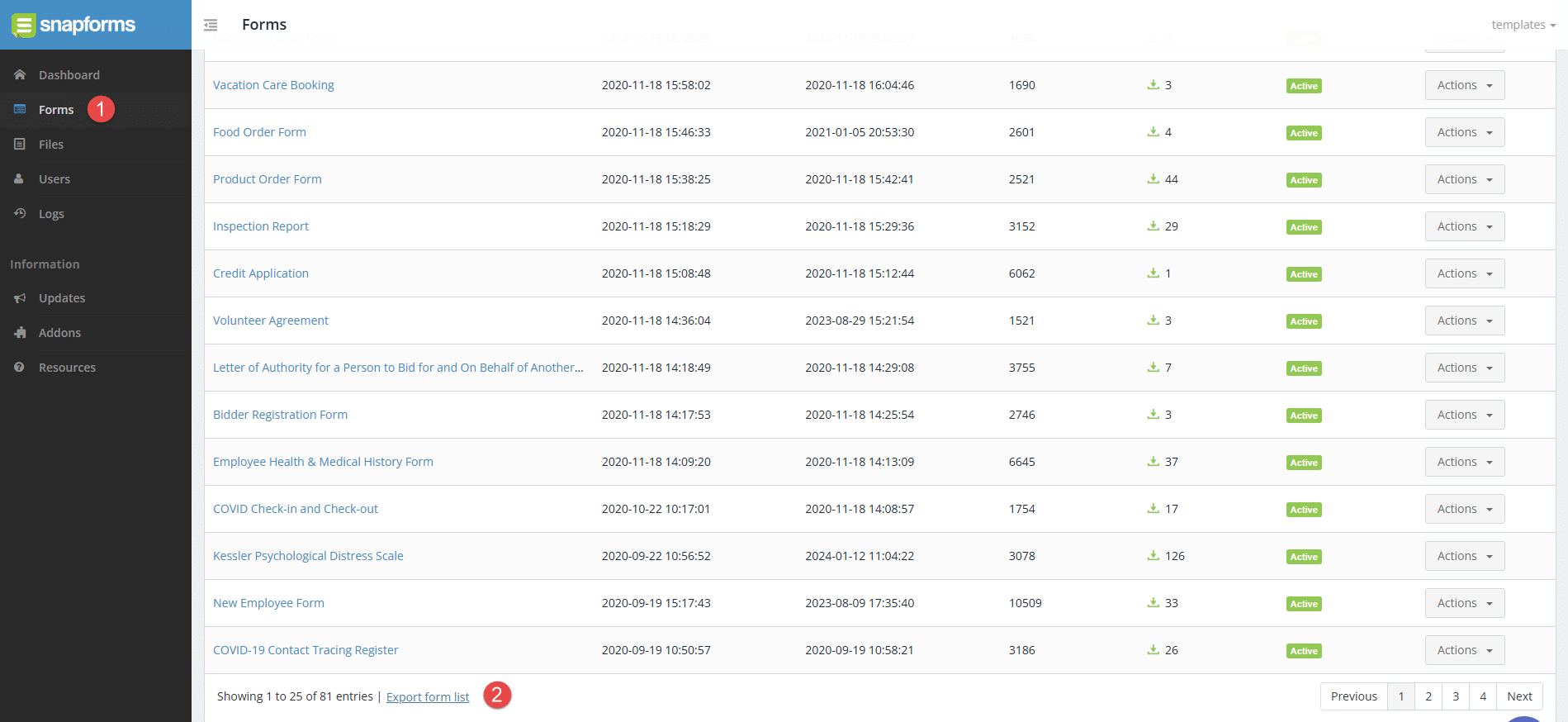
Enterprise customers can export a report of their entire list of forms directly from the Forms page. The forms list will vary depending on the user’s form access permissions.
To export the forms list:
- Select Forms from the main menu.
- Scroll down to the end of the list, then select Export Forms List.
- Navigate to your downloads folder to locate the CSV file.

The following data is provided in the CSV file:
- Form Name
- Form URL
- Created At
- Last Updated
- No. of Views
- No. of Responses
- Status
- Owner