Rename a form
The first step to effective form management is to give your online forms descriptive names that make it easy for your team to find what they need.
Note: Changing the name of a form will change the form’s URL. If you have published a link to this form on your website or shared with others, you will need to update or share the new URL.
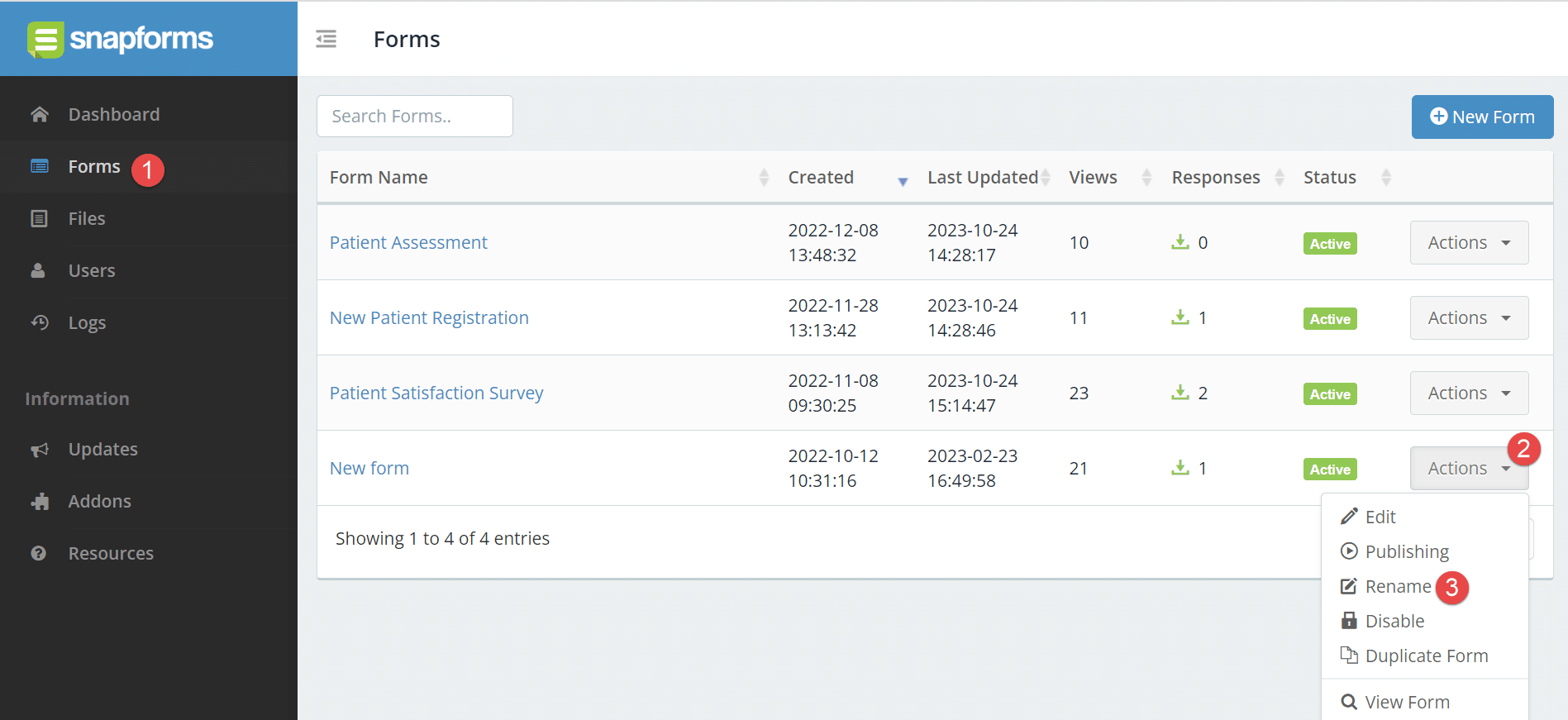
To change the name of a form:
- From the Dashboard menu, click Forms.
- Next to the form name, click Actions.
- Click Rename.

- Enter the new form name.
- Click Rename.