
How to take payments on your form
With Snapforms, you can easily transform a simple form into a fully functional order form that allows customers to pay for your products or services using a credit card.
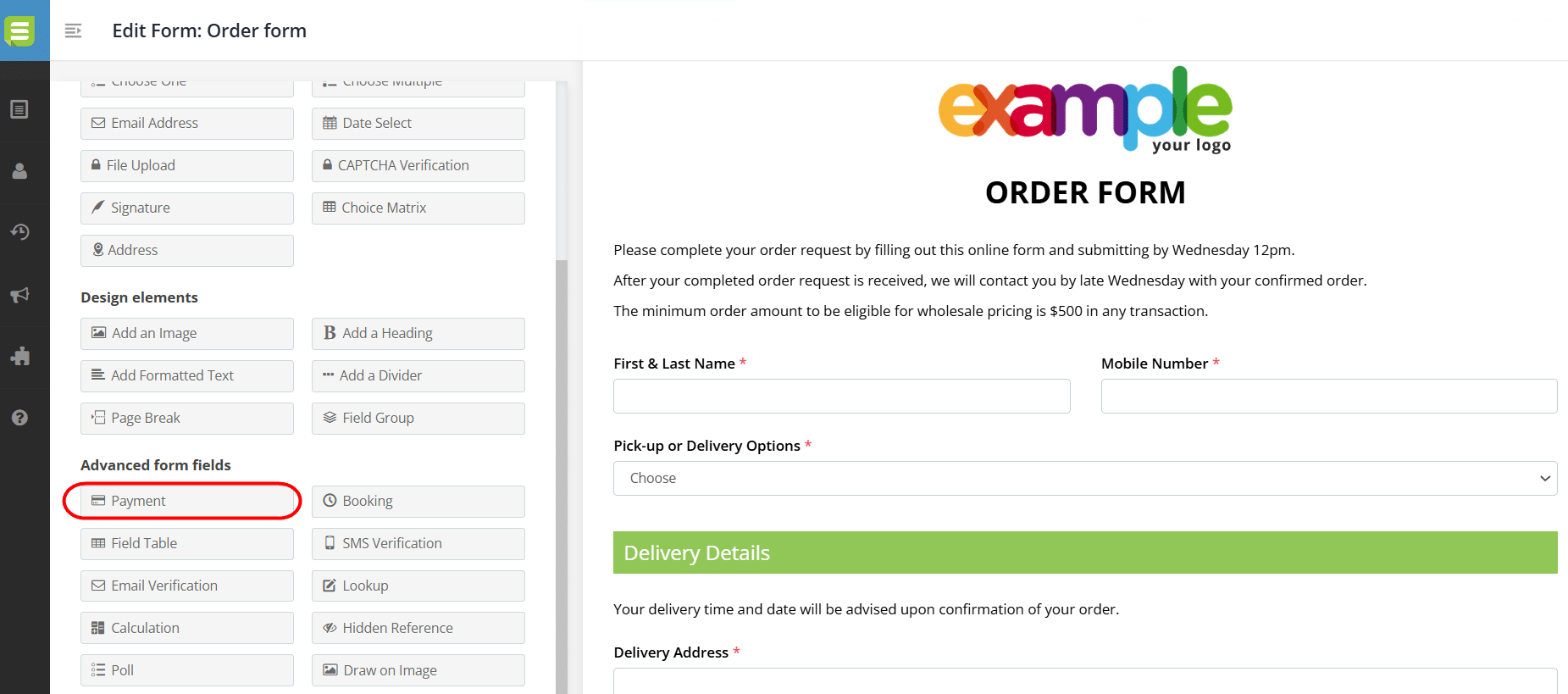
Simply add a Payment field to your form and connect it to a trusted payment provider such as PayPal, Stripe, or a supported bank gateway using your unique API credentials.
You can choose to use fixed pricing or set up dynamic pricing that updates automatically based on the options selected in your form.
Payment gateway guides
Select your preferred payment gateway below for step-by-step instructions on how to set up the Payment field in your online form:
Note: The Payment field is available on our Business plan and above.
If you need assistance with setting up a Payment field, please contact our support team.